
print it / Avocado Gear Ball
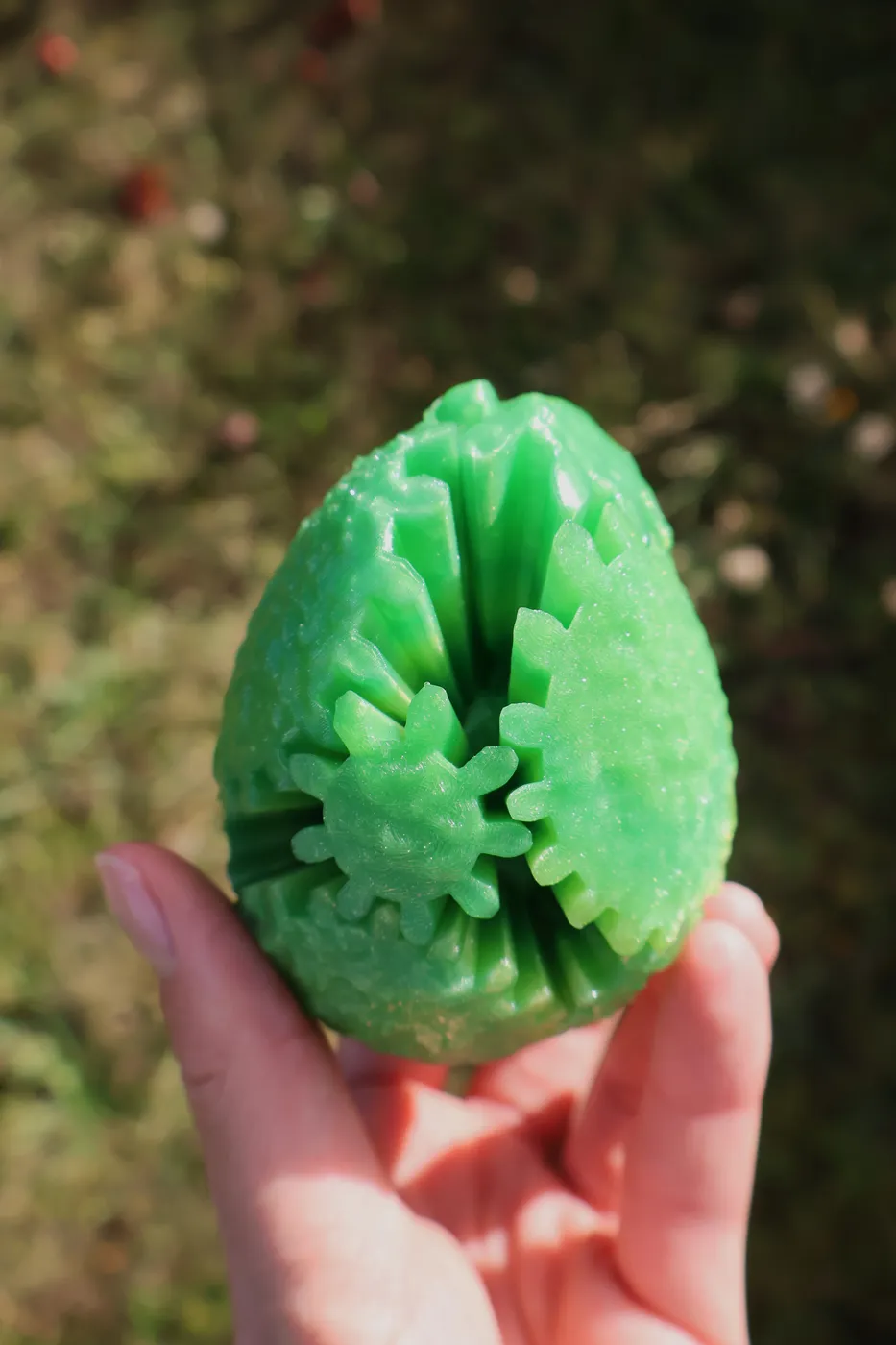
You need:
All 14 Pieces
1 heart
14 Connectors
You can also just print the "All" File. Everything you need is in there.
Print settings:
Use a Brim. Apart from that, you can go with your standard settings.
Assembly:
I made a Video how to put this together here.
All gears have a number and direction that corresponds with the number on the heart surfaces. The
bigger gears have them in actual numbers on the bottom. The direction of the numbers on the heart
matches the direction of the numbers on the gears. The smaller gears have several indentations on the
side. The number of these correspond with the number on the heart. One of the indentations is bigger
than the others on each small gear. This bigger indentation must point towards the corresponding
number on the heart.
Insert all connectors into the heart.
Insert gear number 4
Insert gear number 14 next. These two have the part where the avocado was attached to the tree on
them. By keeping those two in the right rotation while assembling the rest reduces the chances for
errors.
Troubleshooting:
You can watch this Video Watch the video
Gears skipping:
I had a problem with the Gears skipping and getting stuck when I used different filaments for the Gears and the Heart. Try using the same filament for both.
If that dost help scale the Heart a little smaller or the gears a little Bigger.
Connectors Break:
Print them solid. 100% infill or enough walls.
Maybe scale them if they happen to be too big for the holes.